How to scan the template?
You can scan the template using a scanner or a camera. It's preferable to use a scanner for better clarity.
If you're using a camera, try to take a photo of just the template without shadows.
You can scan the template using a scanner or a camera. It's preferable to use a scanner for better clarity.
If you're using a camera, try to take a photo of just the template without shadows.
You can use lines to assist you in your template to draw more beautiful letters. This feature is designed for convenience in drawing.
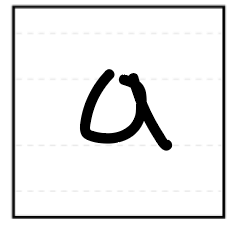
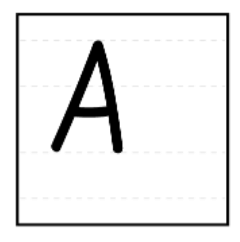
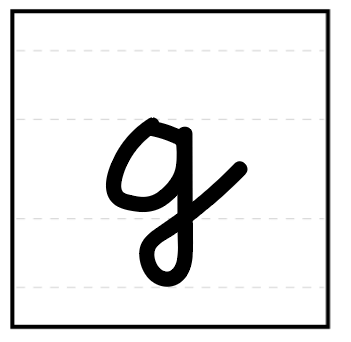
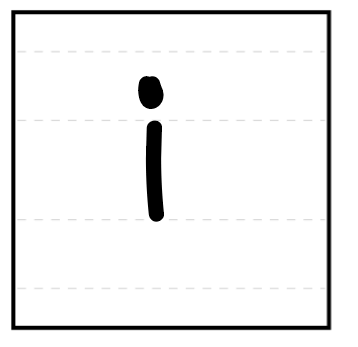
If you have letters of different sizes or they are positioned incorrectly, you can edit the size and position of each letter using the character editor.
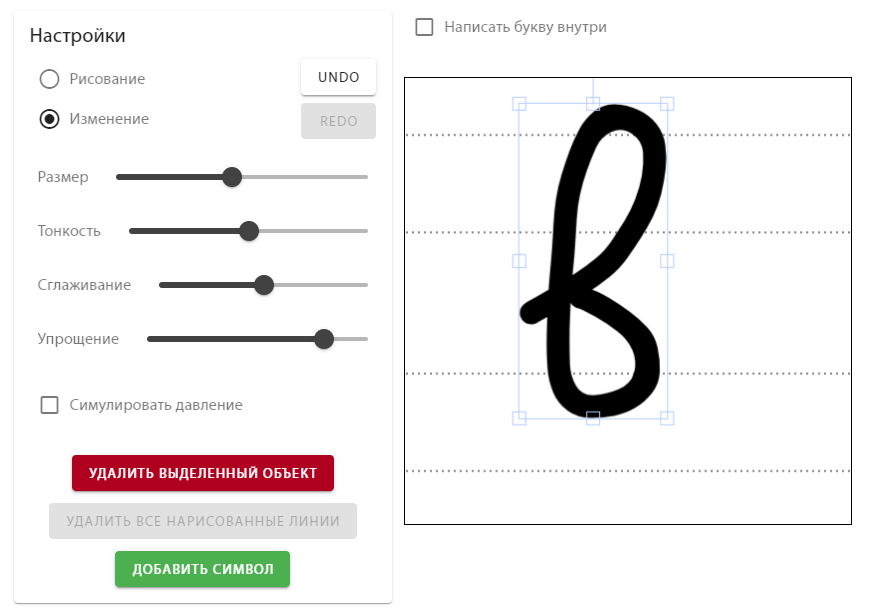
Or use the 'Edit Characters' function:
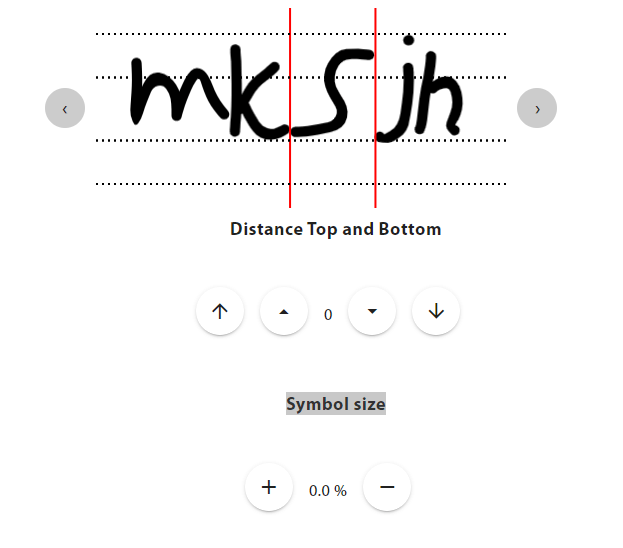
If not all characters were scanned or they were scanned incorrectly, change the 'thresh' value when uploading the template.
To scan only one character using your phone or add a photo of a letter, go to the desired character, click on
Add Character Scan Character..