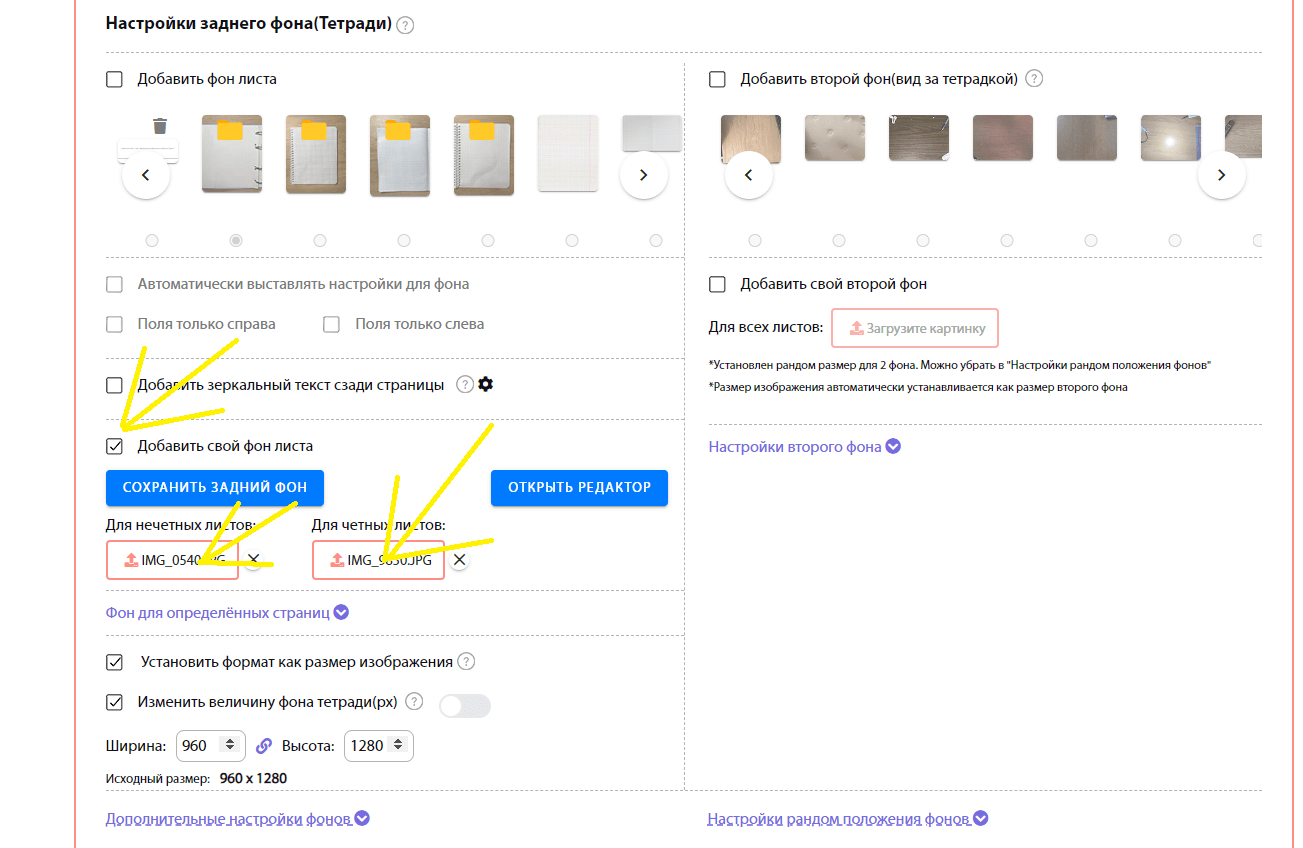
Other Instructions:
Guide Creation Instructions with printer
FAQ

Online Photo Creation Instructions
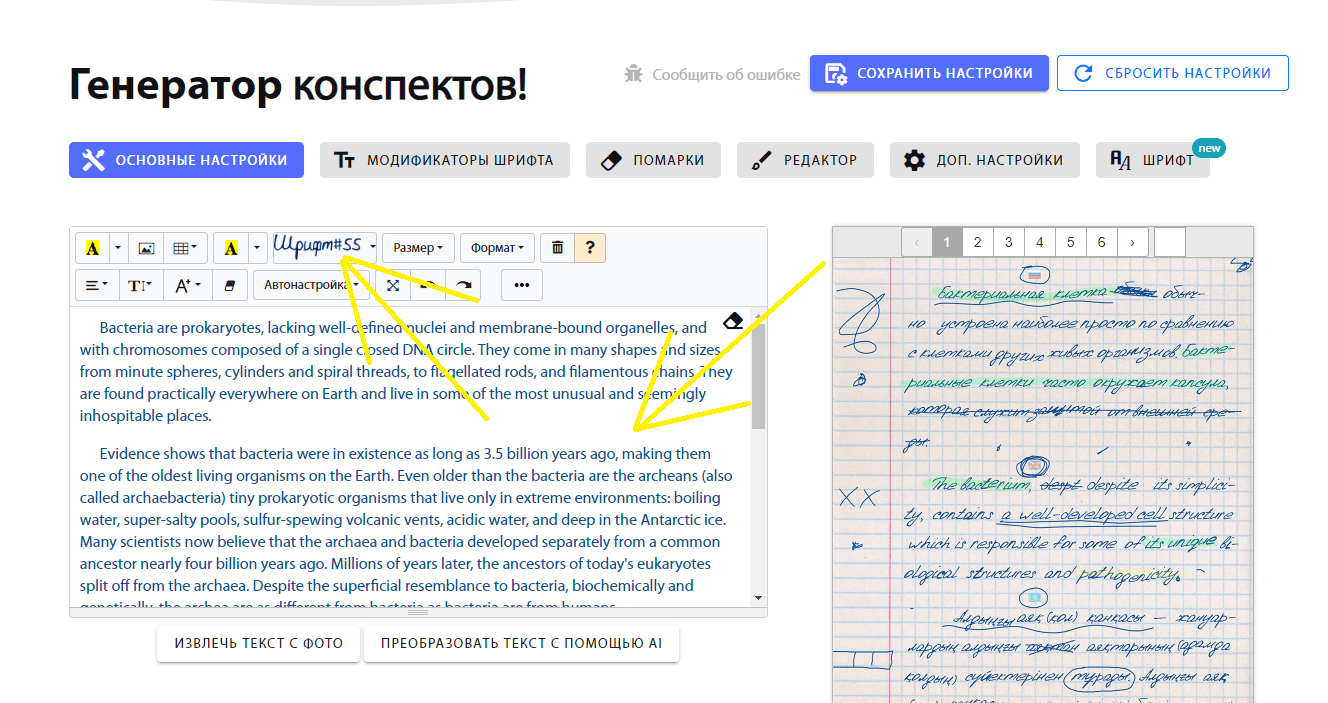
1.Select the font you need
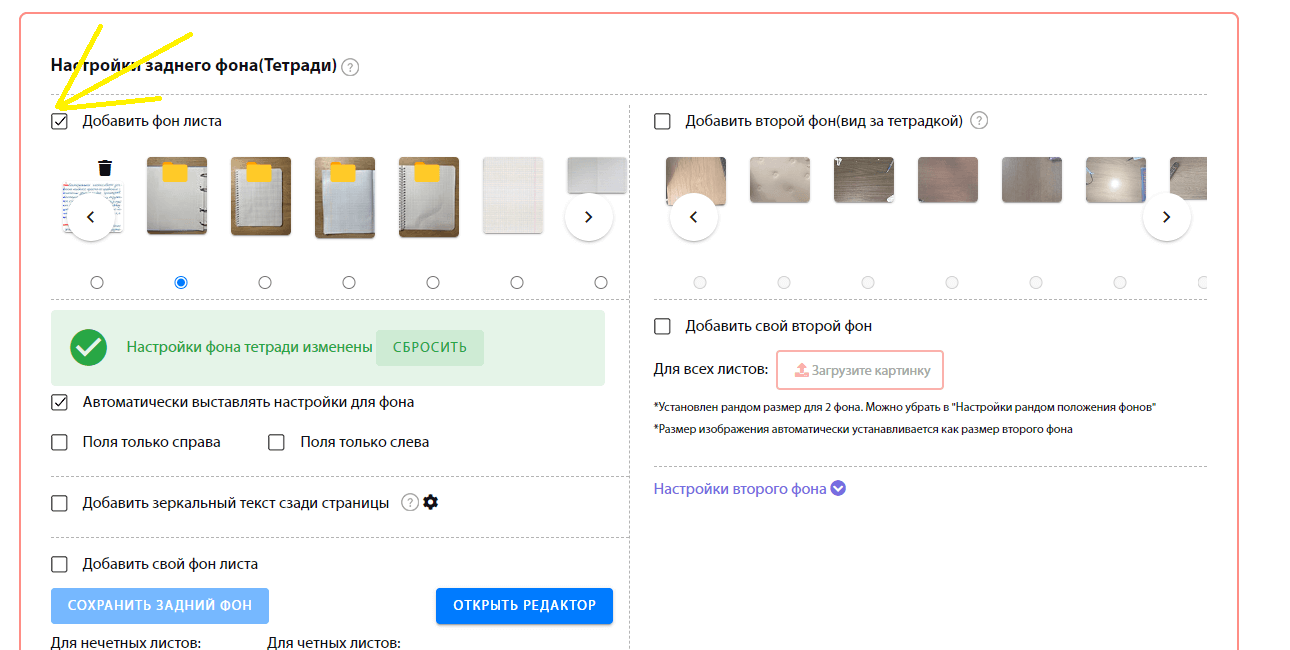
2.Select the background you need or upload your own. When choosing a background, margin settings are set automatically.
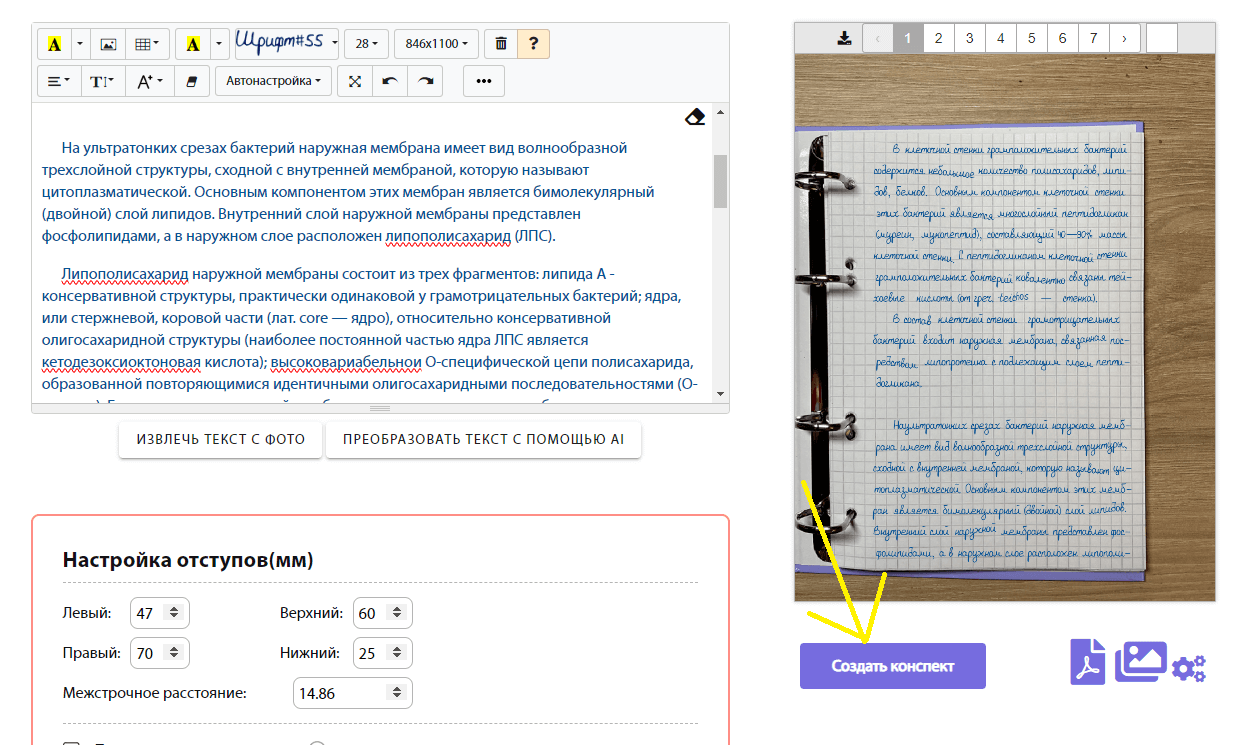
3.Click on 'Create a Summary' and download your text as images or pdf. If you want to change the image quality, click: <i class="mdi mdi-cog-outline"></i> Select the jpg format and change the quality or scale, then download your image
You can also add your own background using the editor or simply upload a photo for the pages