


Handwriting text generator!

Create Your Own Font
You can Create your own font on the website or choose any of the 60 available fonts
Insert the Desired Text
Type or paste the desired text and adjust the realism using settings
Create Summary
Transform text into a handwritten form and receive a realistic handwritten summary for printing in a notebook or as a photo
Handwrittner
that very site from the video
TikTok
Views45M+
Likes5.2M+
Instagram
Views4.3M+
Likes170k+

Views on VK:3.3M+
Views on YouTube:1.5M+
Popular Handwrittner sections

Live handwritten notes — fast
Your font from handwriting
Fill the template → get TTF and apply to any text.
Multiple styles
Upload your variants or pick built-ins.
Realism
Letter/line shifts, small flaws and more.
Notebook backgrounds
Ready templates or your own background.
Notes over photo
Add Signature, Date and others.
Print A5/A4
Export JPG/PDF — ready to print or publish.
AI for text, formulas and graphs
Create content, formulas, graphs and study diagrams from a plain-language request.
OCR recognition
Extract printed and handwritten text from photos and scans.
PDF and DOCX import
Upload documents and continue editing their content in the editor.
Tables
Build schedules, comparisons and structured data in clean tables.
Mathematical formulas
Add formulas manually or create them with AI.
Excalidraw diagrams and photos
Create editable diagrams, insert images and adjust them directly on the page.
Handwriting font ligatures
Connected letter combinations make digital handwriting flow like real writing.
History and page design
Restore versions, add page numbers and place extra content on individual pages.
AI helps with text
Writes notes, shortens long text or expands it with more detail.
How to make notes👉 >Start
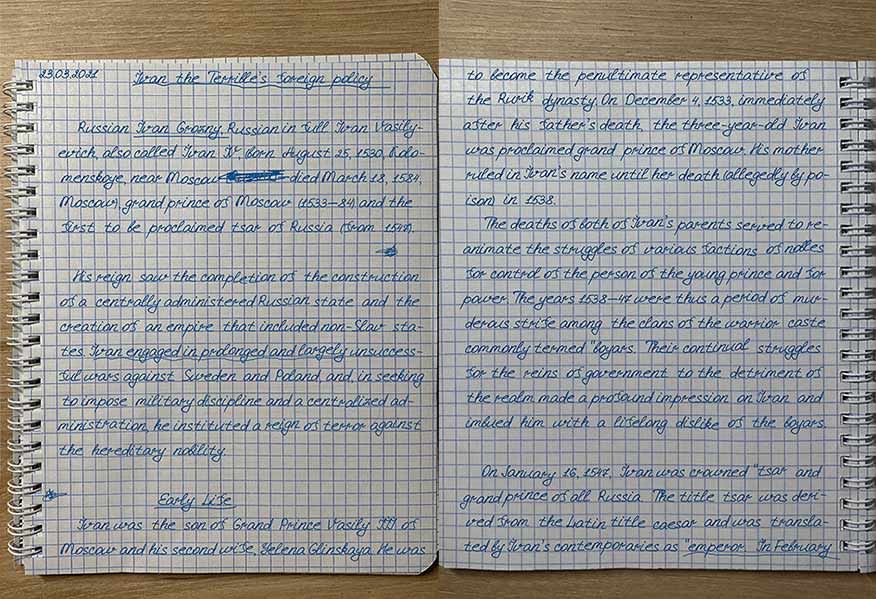
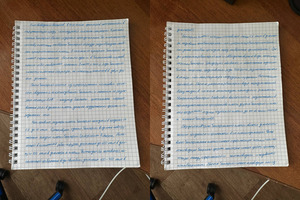
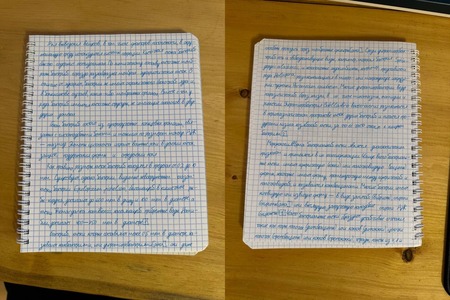
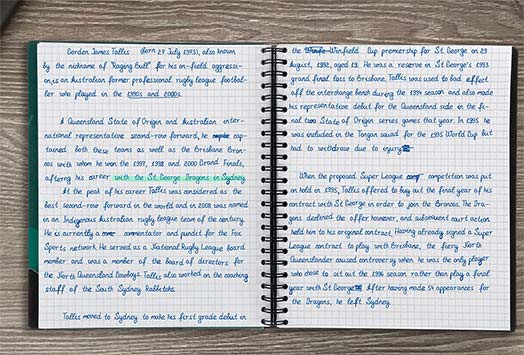
Printed Notebook Example
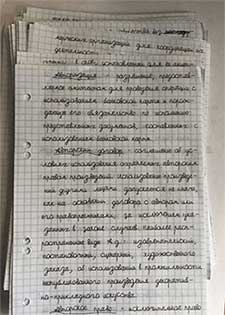
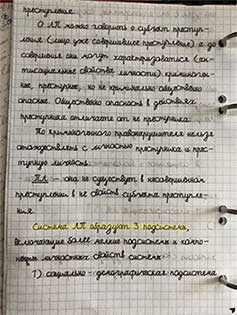
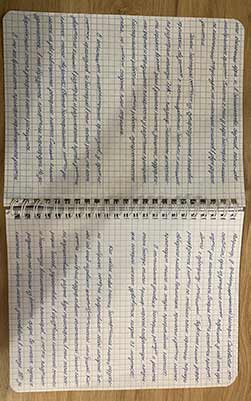
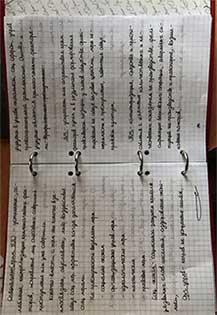
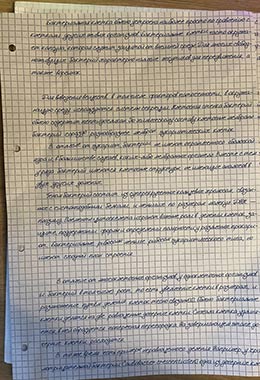
Your own handwritten font
Create your font from your handwriting on the website
Add your handwritingDownload the template, fill it in with your own letters and upload it back to the site.The service recognizes the completed template and turns your handwriting into a font for notes.Individual math symbolsDraw only the symbols you need, such as ∑, √, π, ≤ or selected digits. You do not need to create a complete math font.Use your symbols in formulas together with an existing mathematical font.LigaturesAdd handwritten combinations of two or more letters to make the digital handwriting flow naturally.Frequent letter pairs can be replaced with one connected symbol drawn by you.Random letter variantsDraw several versions of one letter and let the editor alternate them automatically throughout the text.Repeated letters no longer look like identical computer-generated copies.SVG editorEdit vector outlines of letters and symbols directly on the site.Move nodes, adjust Bézier curves, smooth lines and fit the symbol size.Draw lettersDraw letters and symbols yourself with a mouse, stylus or touchscreen.Review and correct the drawing, then add it as a new variant to your font.
1
Download the template and fill it by hand
Scan or take a photo and upload to the site.
2
Draw letters in the editor
Right on the site — pen/brush, guides, magnifier.
3
Edit outlines (SVG)
Nodes, Bézier curves, smoothing — fully under control.
4
Adjust size and slant
Kerning, line height, slant and variability.
5
Use the font in Handwrittner
Generate notes and print A5/A4. TTF is ready to use.
Examples of Created Fonts:
Why Handwrittner?
Real-world use cases in short
For creators
Make handwritten inserts for Reels/TikTok, video thumbnails, covers and stories.
thumbnailsreelspreviews
🔥
For students
Quickly make a “live” outline: highlights, margins, handwritten formulas — like in a notebook.
notescrib sheetsessays
For businesses & brands
Personal cards, stickers, merch with your handwriting — fast and no designer needed.
cardslabelsmerch