1. Prepare a short sample
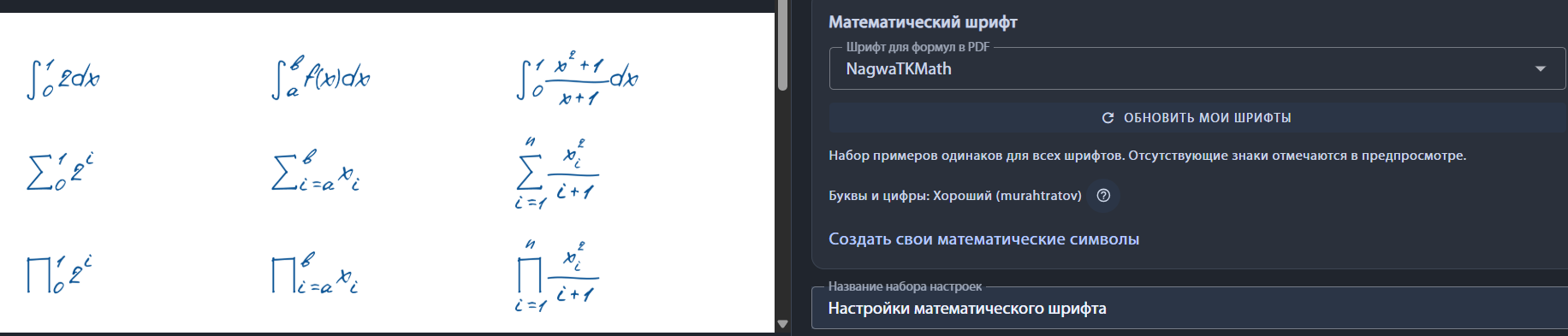
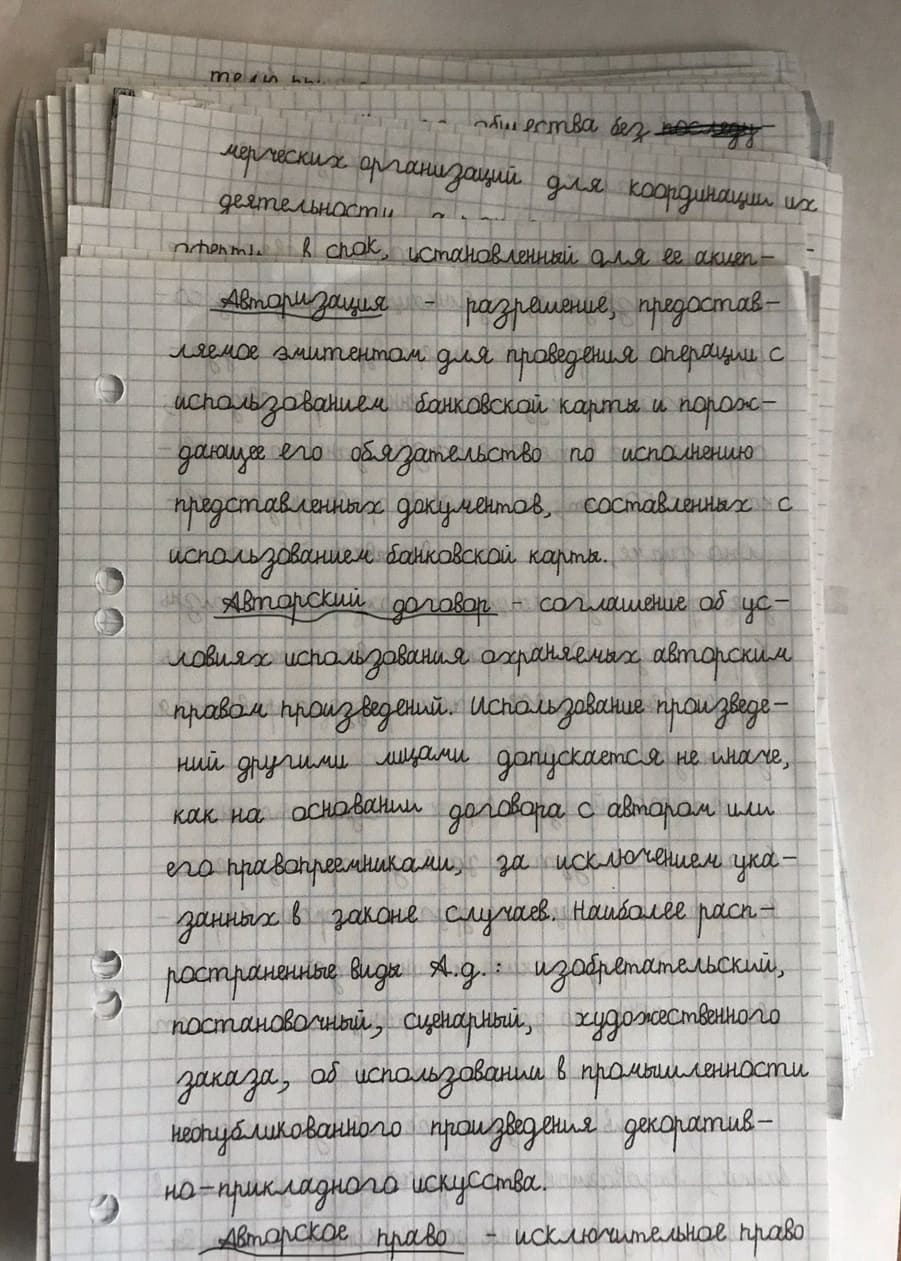
Open the Handwrittner editor and paste a short passage. A heading and three lines are enough for the first test. Choose an available font, or your own handwriting if you have already added it.
Newton’s laws
An object maintains its state of rest or motion.
A force changes the velocity of an object.
Every action has a corresponding reaction.
2. Match the document to the paper
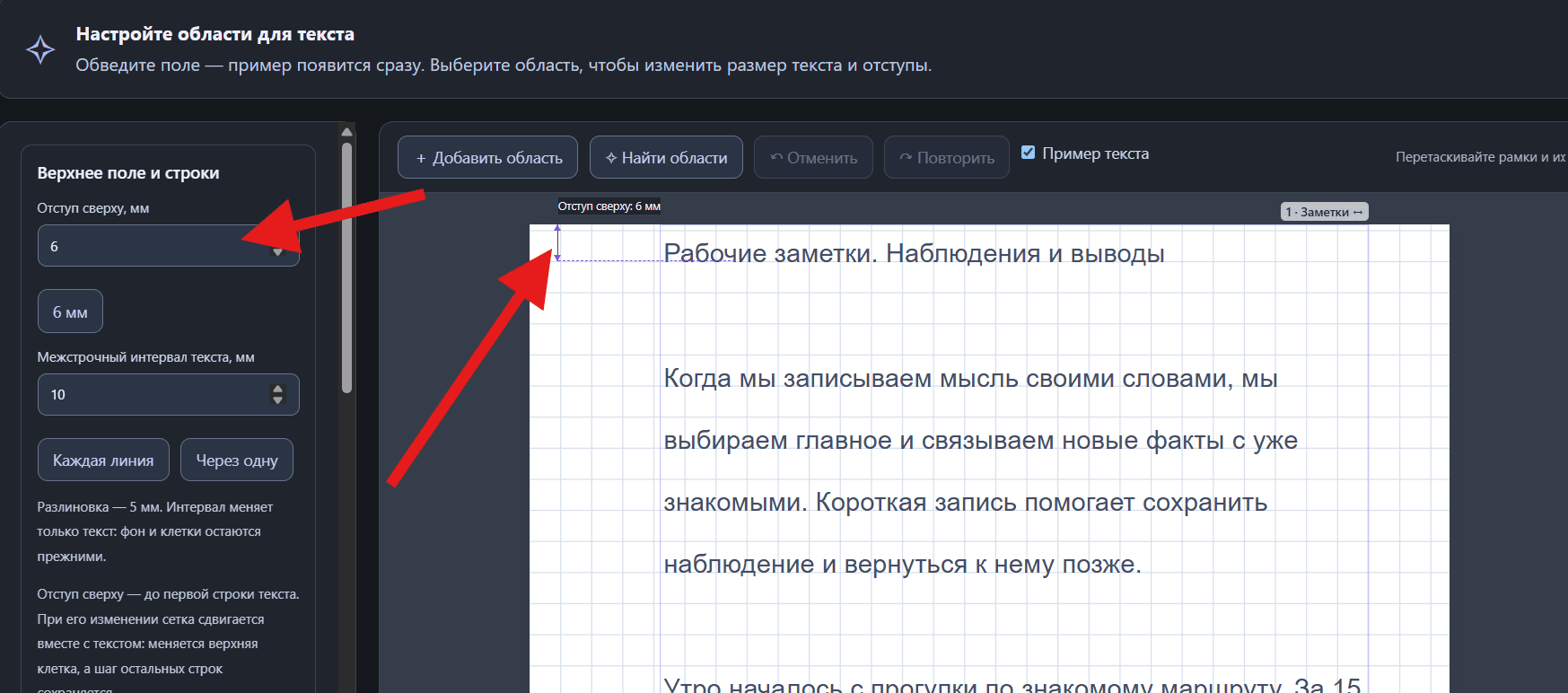
The editor’s page size must match the sheet in your printer. When printing on pre-ruled paper, the top margin and line spacing are particularly important.
- Choose the required page size, such as A4 or A5.
- Set the margins and the first line position.
- Adjust the line spacing to match your paper’s ruling.
- Check the last line and page breaks before generating the full document.
3. Generate the PDF and test the printout
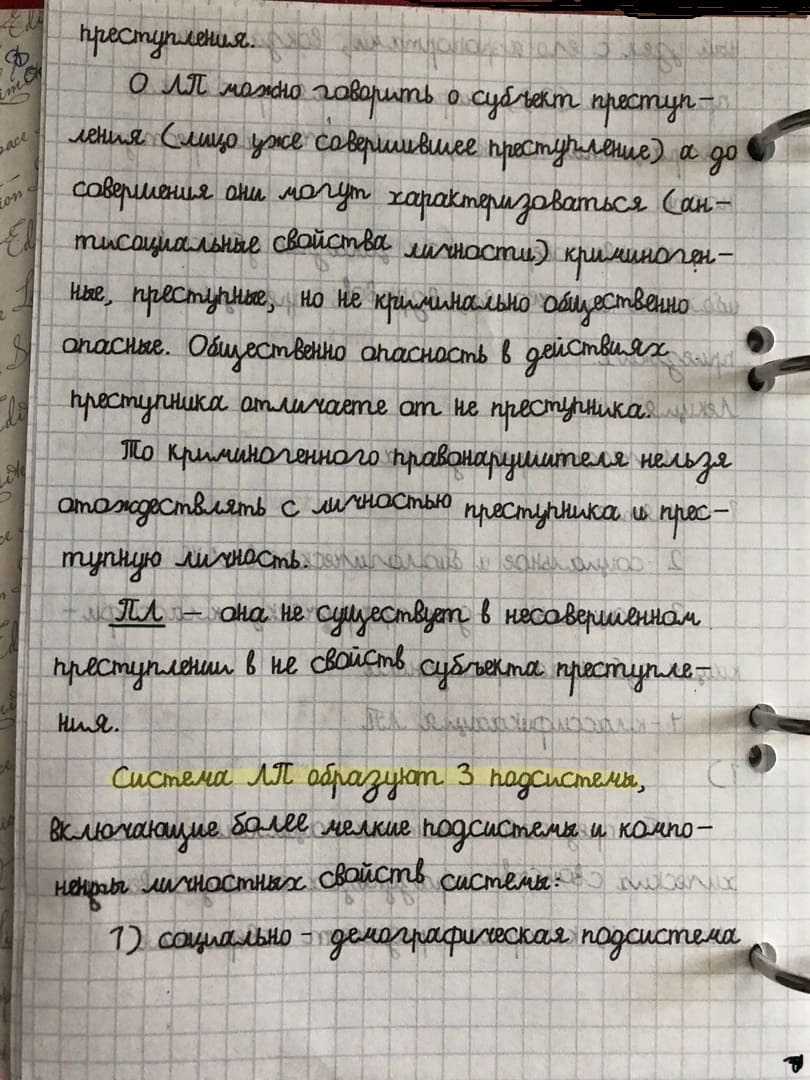
Check the preview first. For printing, download the completed PDF when export is available for your account, then open it in a PDF viewer.
- Select the same paper size in the print dialog.
- Choose 100% scale or “Actual size”, and check that automatic page fitting is off.
- Print one page. Compare both the first and last lines with the paper’s ruling.
- Use the checked settings for the remaining notes.
If the lines do not match
Compare the top and bottom of the page to tell a position offset from a spacing error.
| What you see | What to check |
|---|---|
| All lines are offset equally | Top and side margins, and how the sheet enters the printer. |
| The first line matches but later lines drift | Print scale, paper size and line spacing. |
| Text is cut off at the edge | Document margins and the printable area of your printer. |
Questions and answers
Should I print the whole document first?
Print a single test page first. Your printer and paper may require adjustments.
Why do millimetre settings not guarantee alignment?
PDF scaling, the printable area and paper feed also affect the result. Check them on your test sheet.
Where is the detailed printing reference?
The existing printing instructions include additional page settings and printing order. Untranslated references are labelled with their original language.