1. Prepare a short note
Include uppercase and lowercase letters. The first sentence in the sample below contains all 26 letters of the English alphabet.
English language
A quick brown fox jumps over the lazy dog.
I study every day. She studies every day.
“Let’s try again!” — It’s a good idea.
2. Check letters and contractions
Handwritten letters can look similar. Check them in words, especially when using a font you created yourself.
- Compare I, l and 1; check r, n and m.
- Check the apostrophes in Let’s and It’s.
- For vocabulary notes, leave space for a translation and an example sentence.
3. Set up squared paper and a red margin
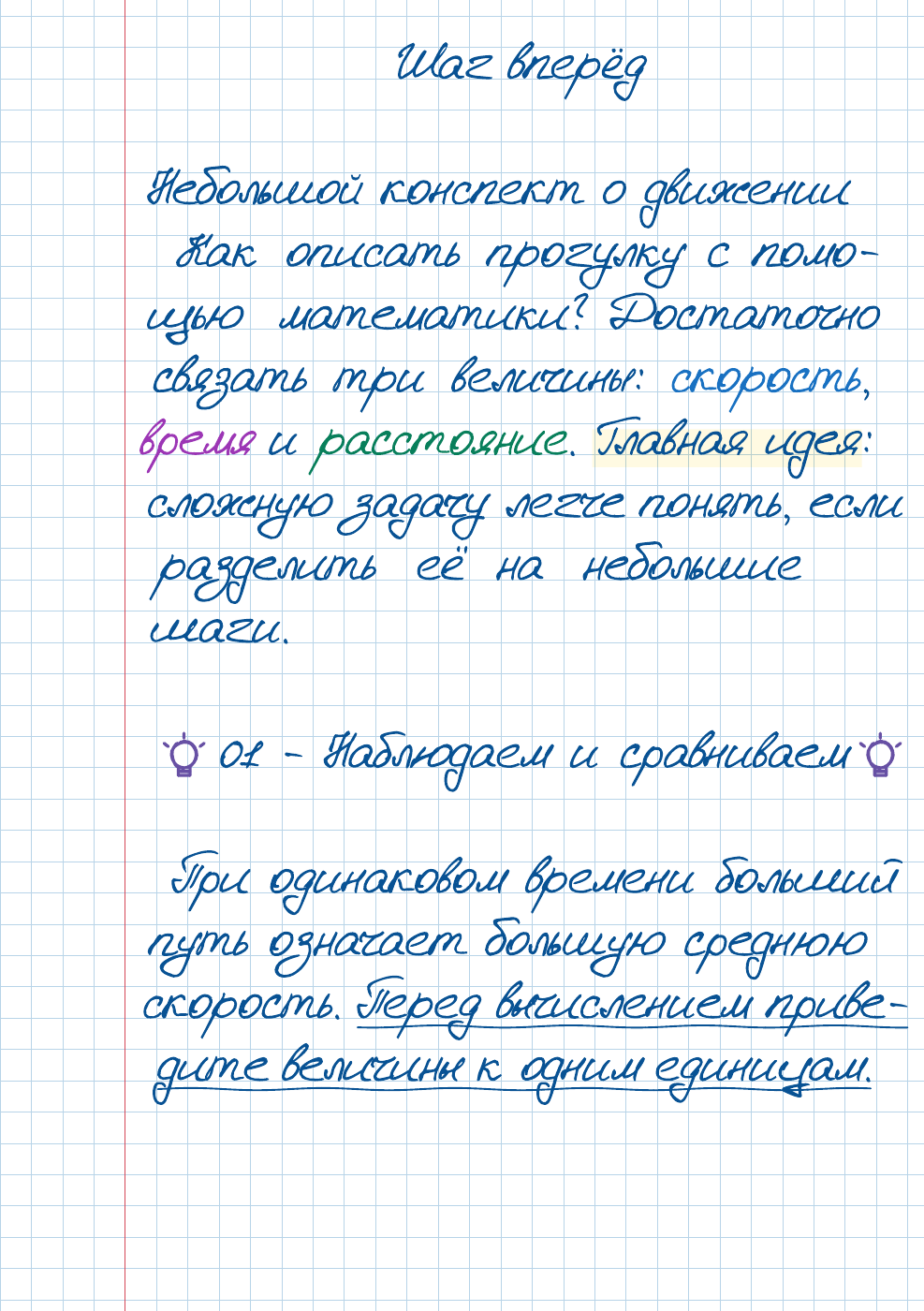
Use a grid of about 5 mm and line spacing of about 10 mm to write on every second grid line. A red vertical line separates the margin from the writing area.
- Choose A5 paper and enable the square grid.
- Add a red margin and leave a little space between the line and the text.
- Align the first baseline with a horizontal grid line.
- Check that subsequent baselines land on every second line.
4. Explore the finished homepage PDF
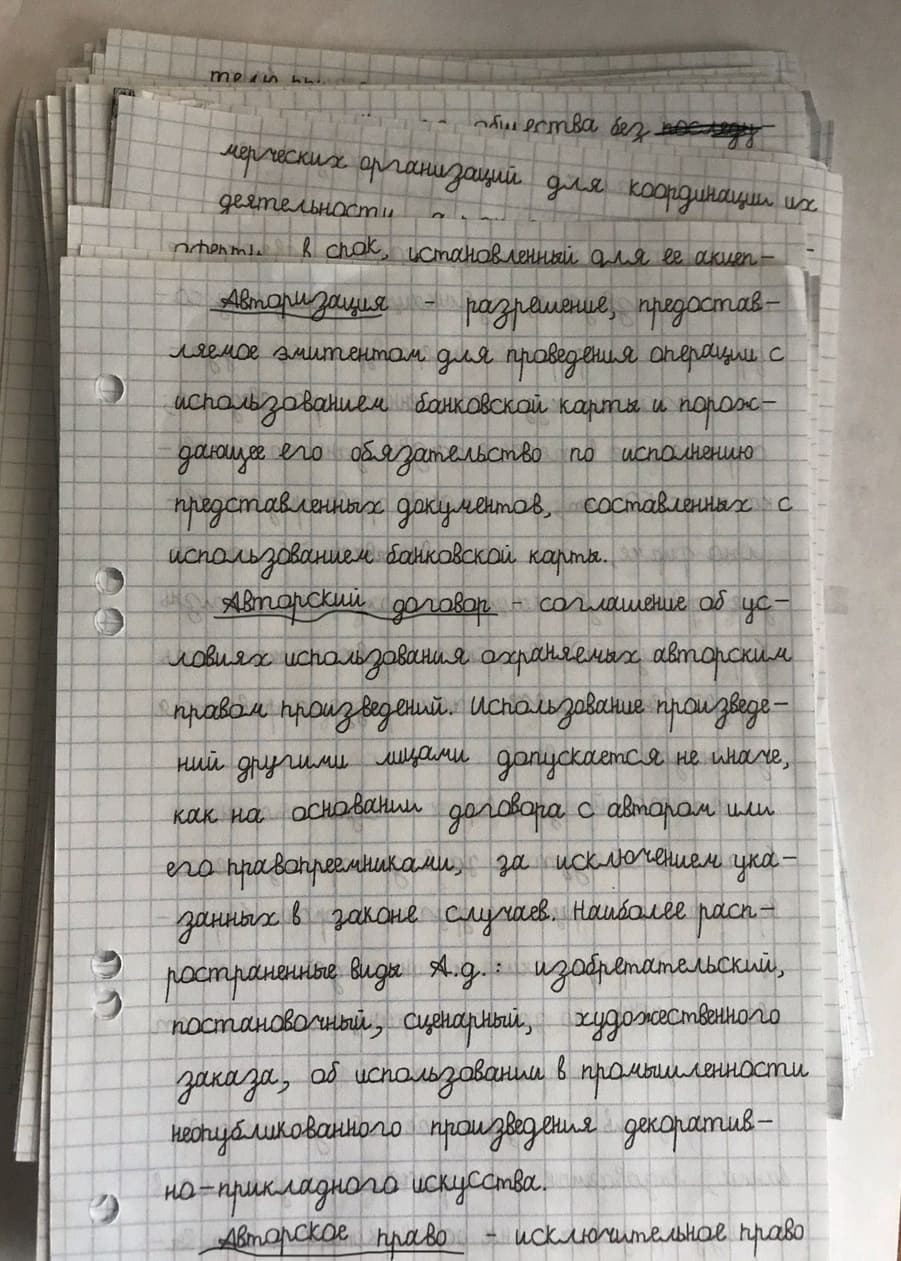
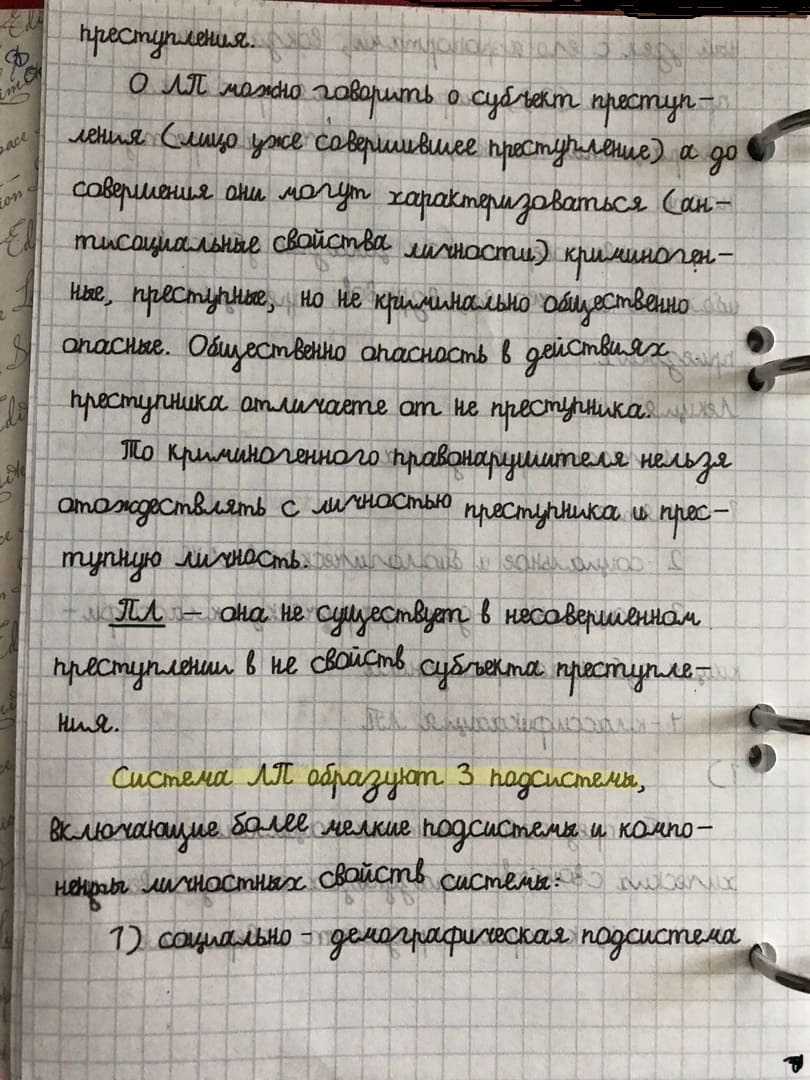
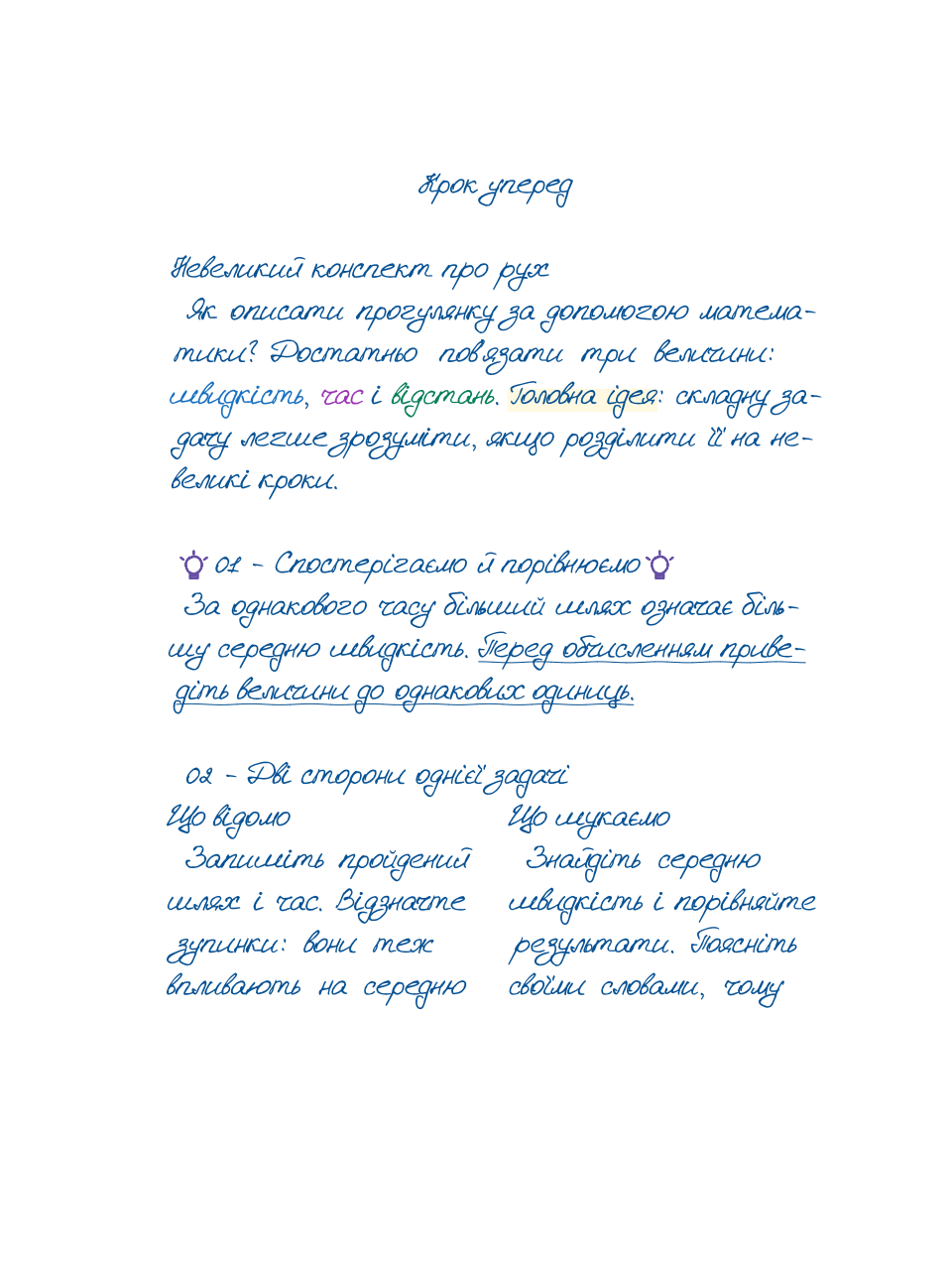
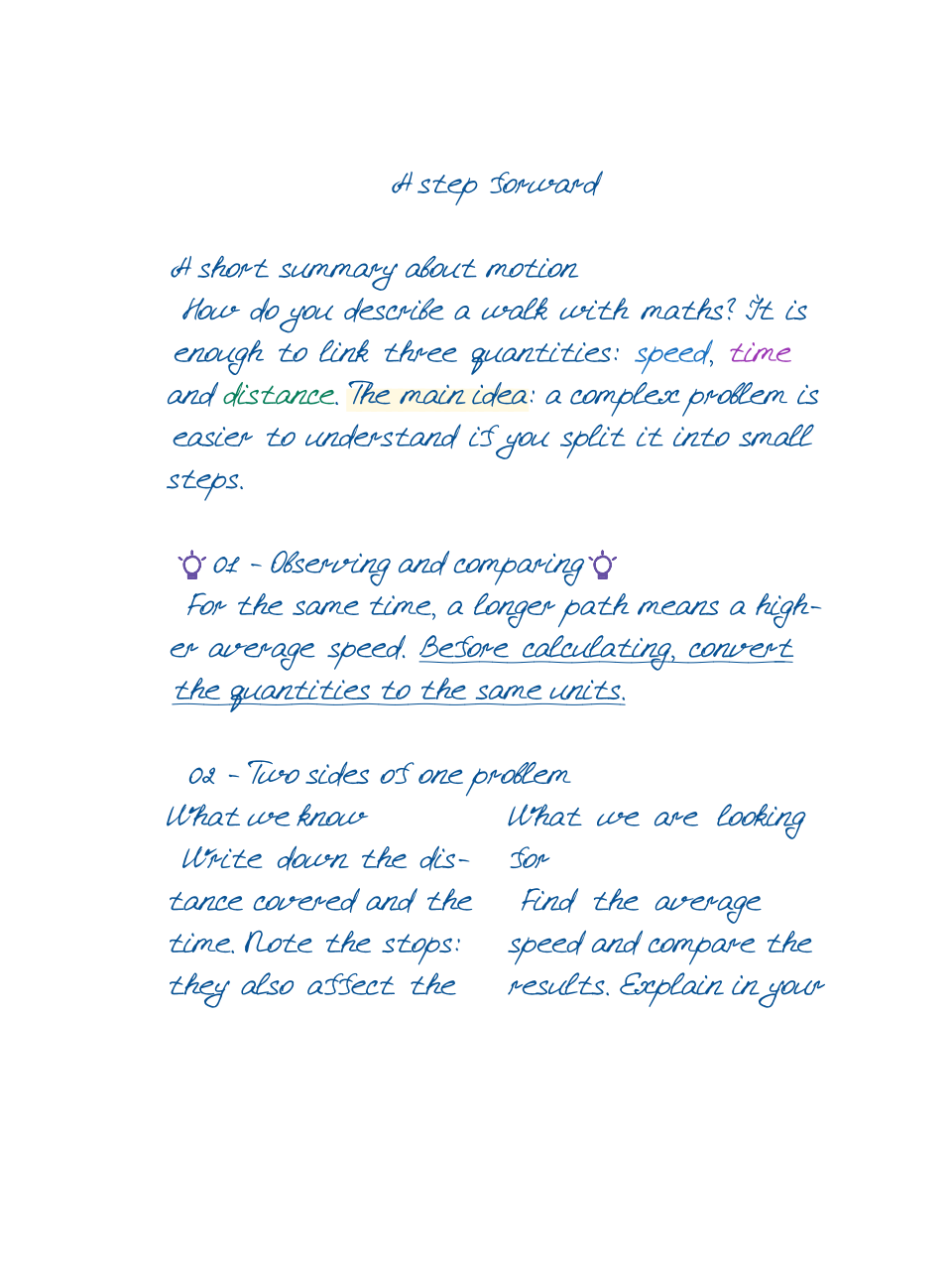
We added a square grid and red margin to the original ten-page PDF from the homepage. Its handwriting, formulas, drawings and Russian text are preserved. Use it as a layout example, then enter your own text in the editor.
Download the squared-paper PDF ↓Questions and answers
Why does an apostrophe look different?
Straight and curly apostrophes are different characters. Check whether your font includes the version you need.
Can I make vocabulary notes?
Yes. Put the word, translation and example on separate lines or in a table, then check the column widths.