1. Paste a Ukrainian passage
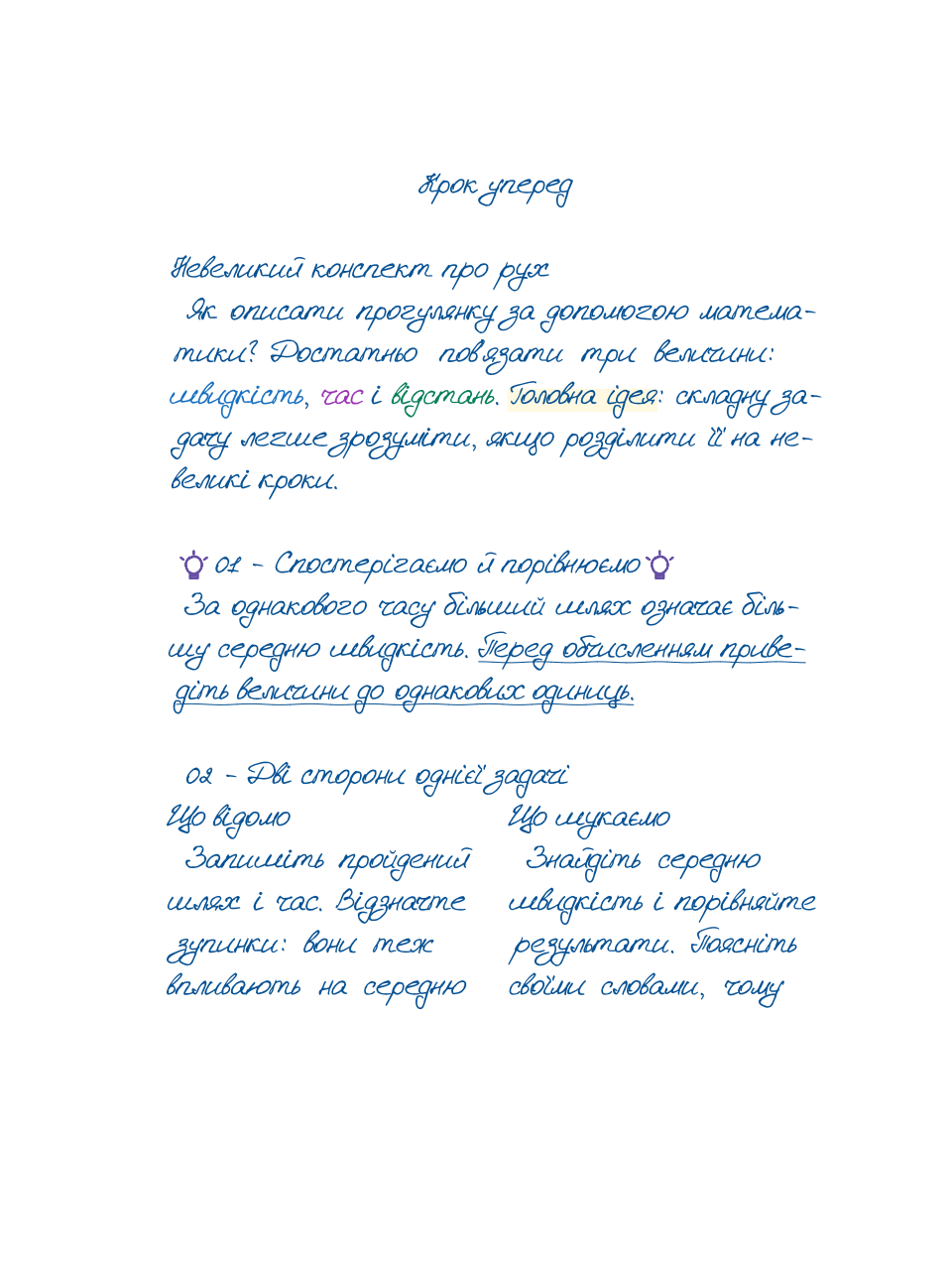
Start with a few sentences. The sample below includes characters that are easy to miss during a font check.
Українська мова
Їжак, ґанок, єдність, пір’їна.
Ми вивчаємо мову й записуємо нові слова.
«Усе вийде!» — сказала Марія.
2. Check letters and apostrophes
Cyrillic support does not guarantee Ukrainian support. Inspect the rendered page as well as the source text.
- Check і, ї, є, ґ and their uppercase forms.
- Make sure the apostrophe in пір’їна is present.
- Check quotation marks, dashes and spaces between words.
3. Set up squared paper and a red margin
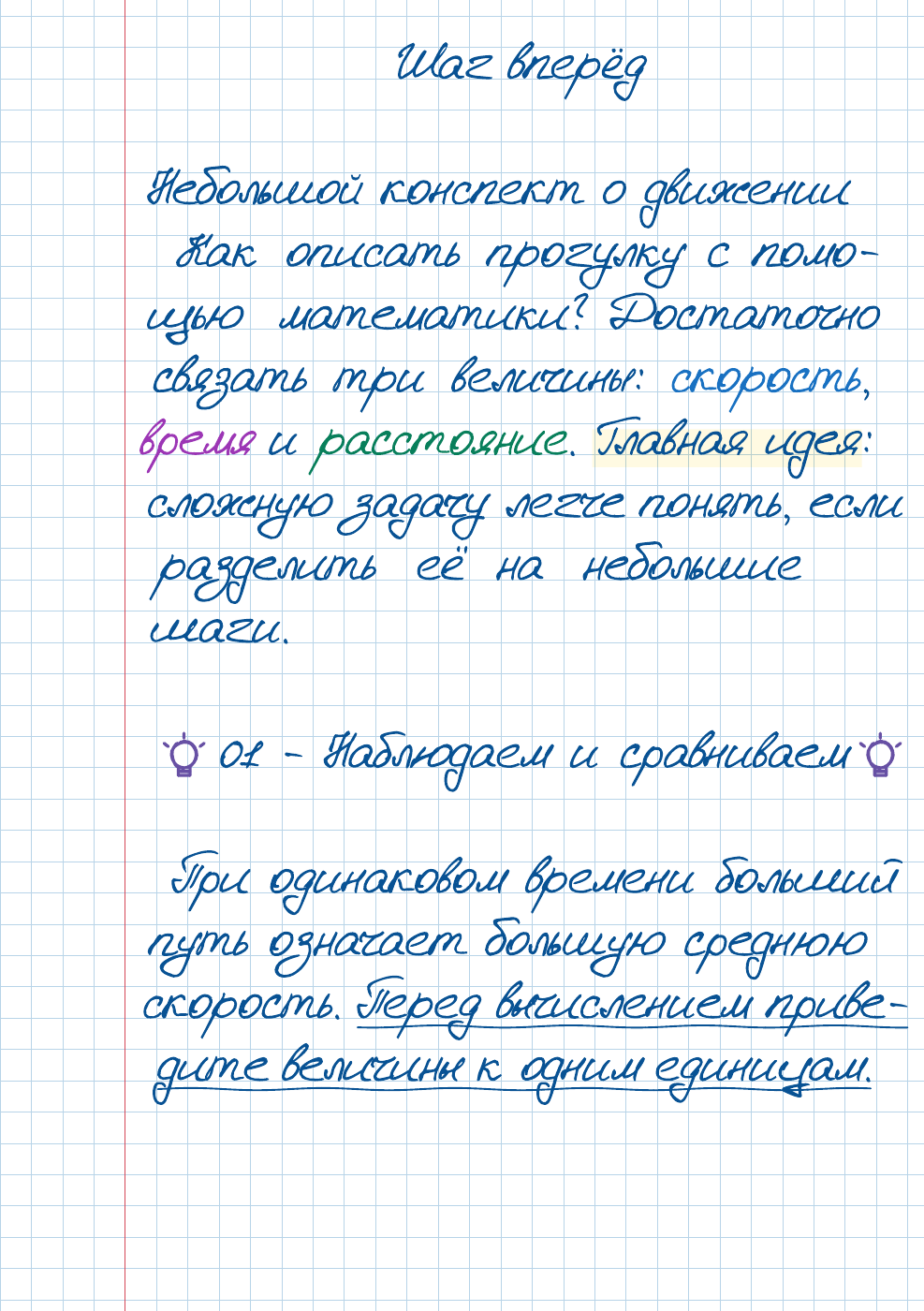
Use a grid of about 5 mm and line spacing of about 10 mm to write on every second grid line. A red vertical line separates the margin from the writing area.
- Choose A5 paper and enable the square grid.
- Add a red margin and leave a little space between the line and the text.
- Align the first baseline with a horizontal grid line.
- Check that subsequent baselines land on every second line.
4. Explore the finished homepage PDF
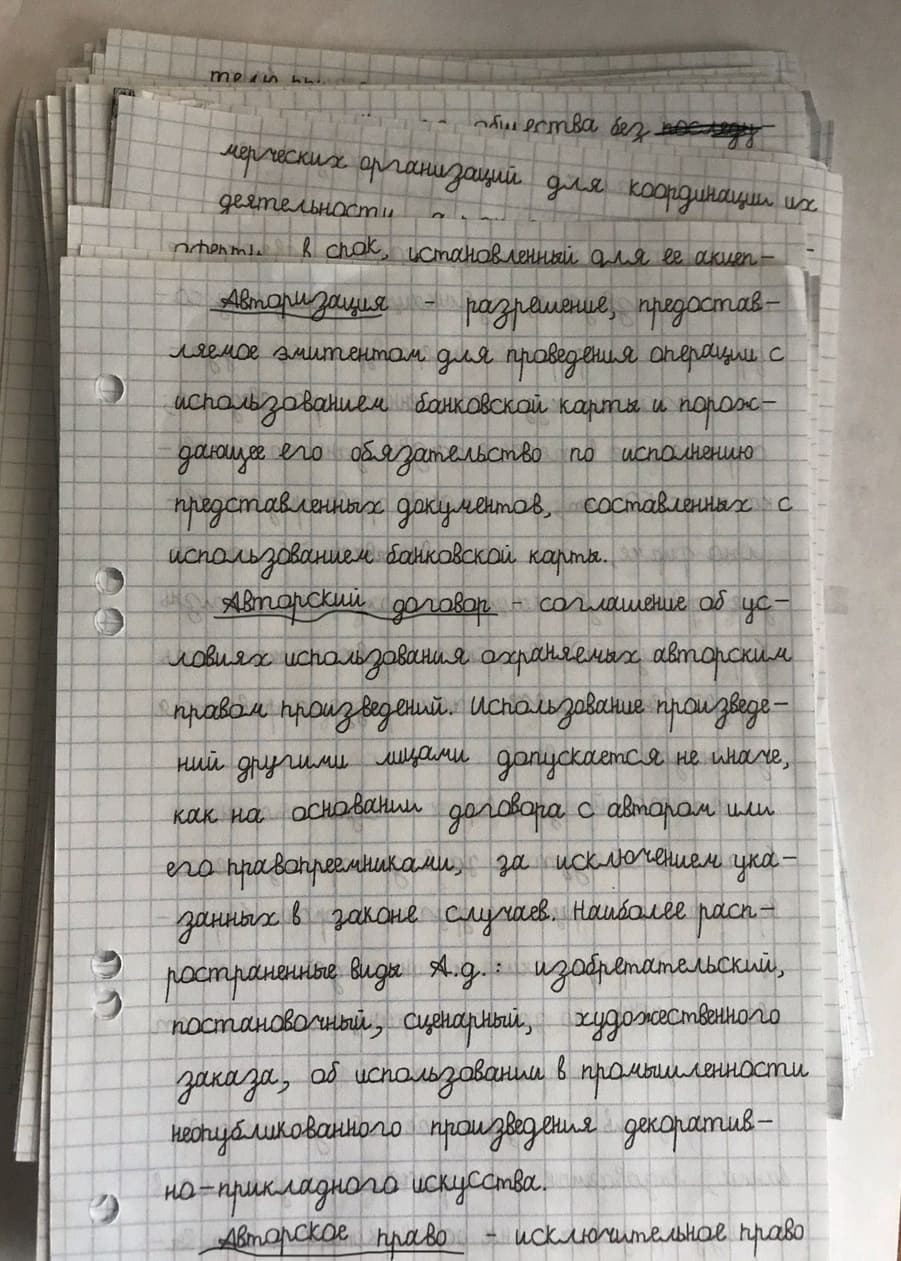
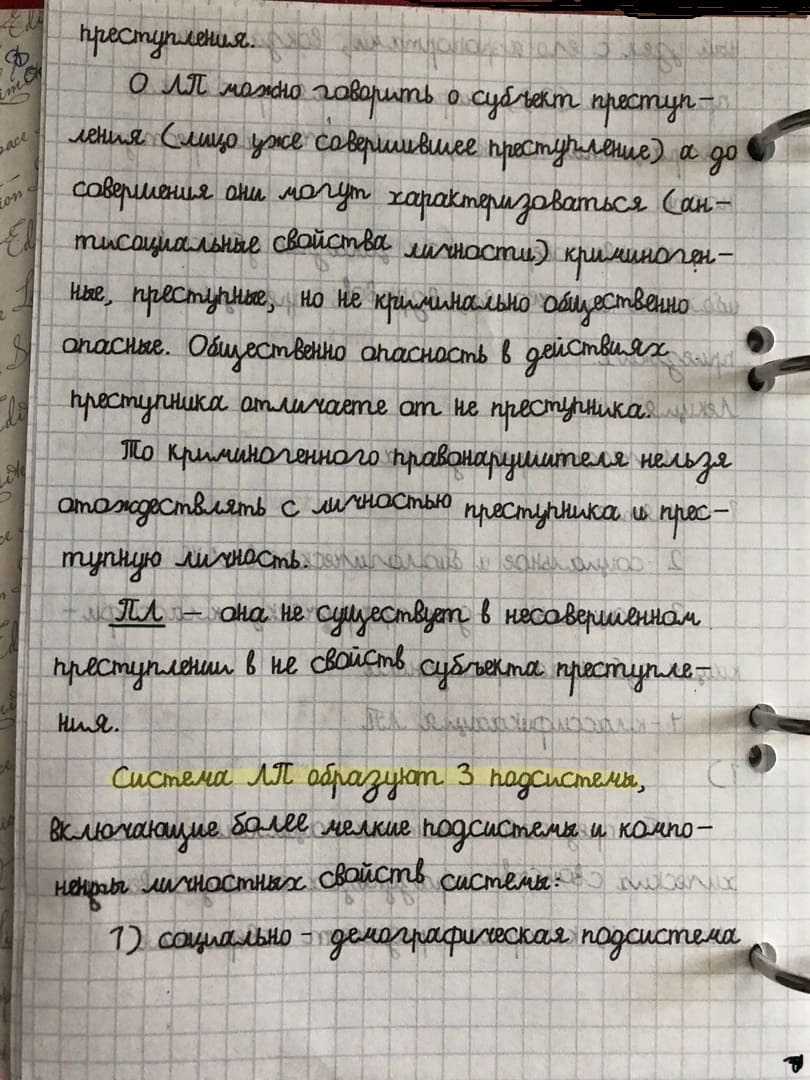
We added a square grid and red margin to the original ten-page PDF from the homepage. Its handwriting, formulas, drawings and Russian text are preserved. Use it as a layout example, then enter your own text in the editor.
Download the squared-paper PDF ↓Questions and answers
Will any Cyrillic font work?
No. It may lack і, ї, є or ґ. Test a sample, then switch fonts or add the characters in FontCreator.
Can I leave a blank grid row between lines?
Yes. For a grid of about 5 mm, use about 10 mm line spacing and align the first baseline.